Module 11
4 min
MIN, MAX, MEDIAN, MODE
Find smallest, largest, middle, and most common values
MIN, MAX, MEDIAN, MODE
Find special values in your data!
MIN
Finds the smallest number.
=MIN(range)
| A |
|---|
| 50 |
| 20 |
| 80 |
| 10 |
| 60 |
5 rows
=MIN(A1:A5) → 10
MAX
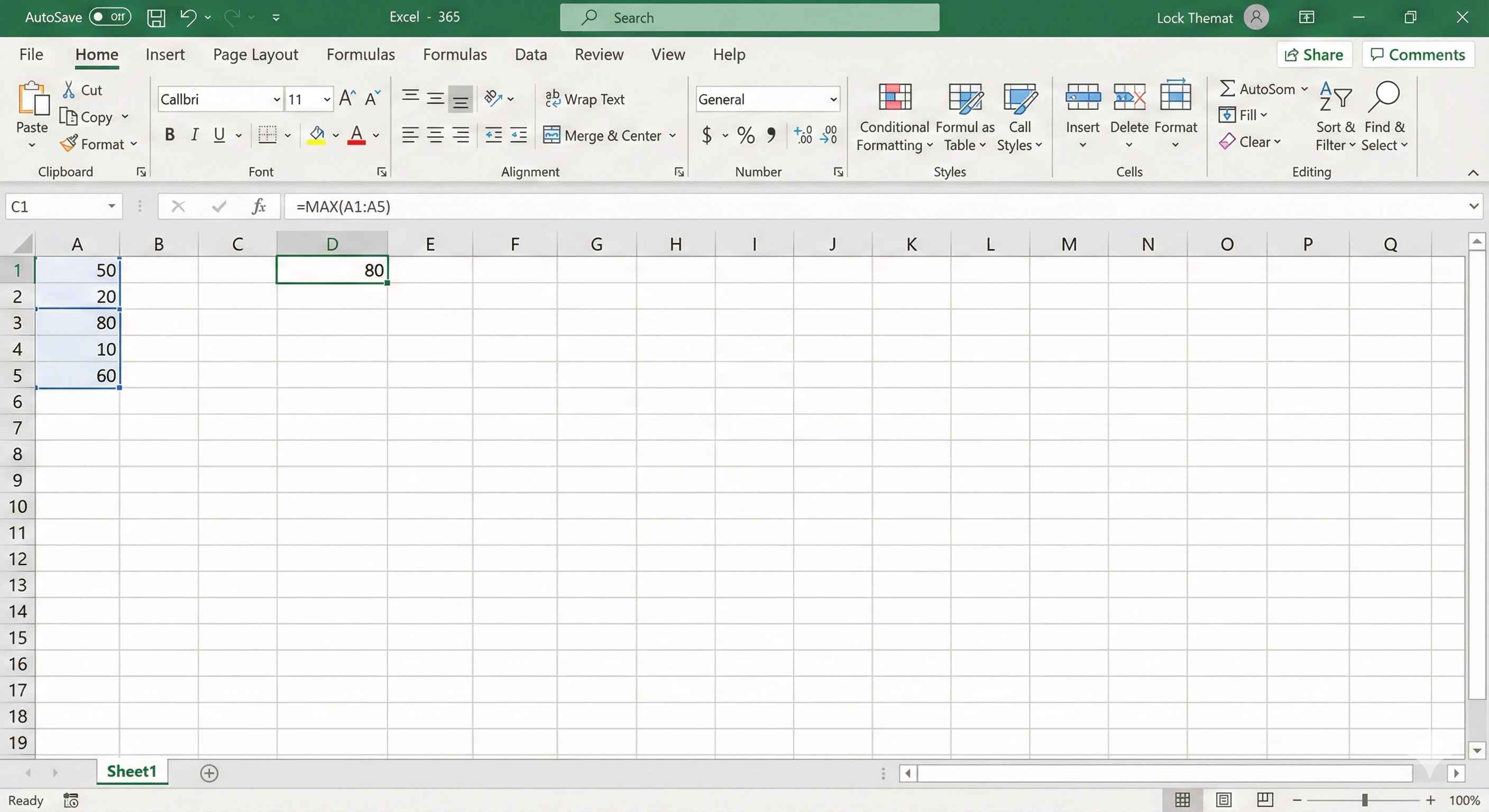
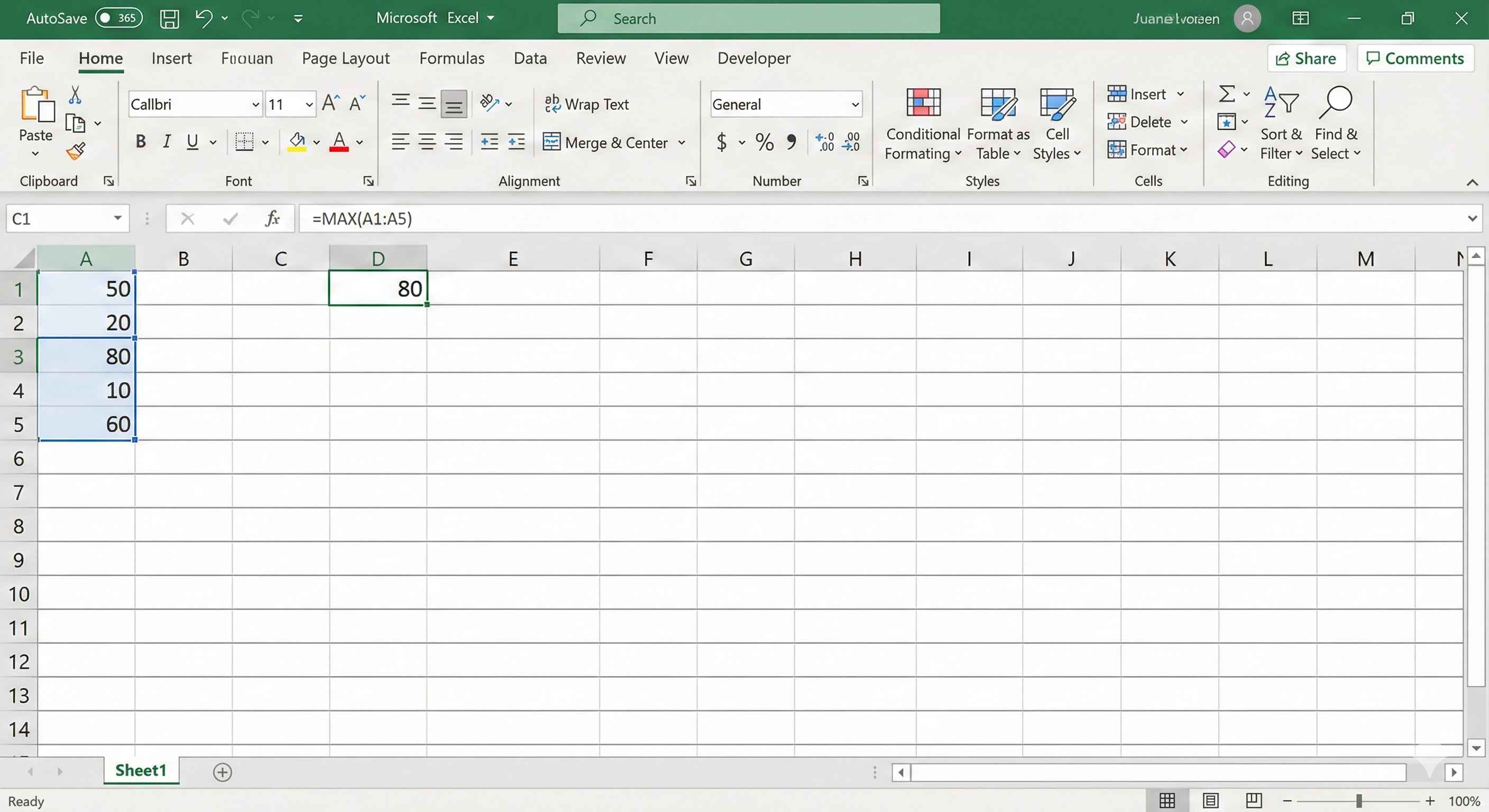
Finds the largest number.
=MAX(range)
| A |
|---|
| 50 |
| 20 |
| 80 |
| 10 |
| 60 |
5 rows
=MAX(A1:A5) → 80
MEDIAN
Finds the middle number (when sorted).
=MEDIAN(range)
| A | Sorted |
|---|---|
| 50 | 10 |
| 20 | 20 |
| 80 | 50 ← Middle |
| 10 | 60 |
| 60 | 80 |
5 rows
=MEDIAN(A1:A5) → 50
MODE
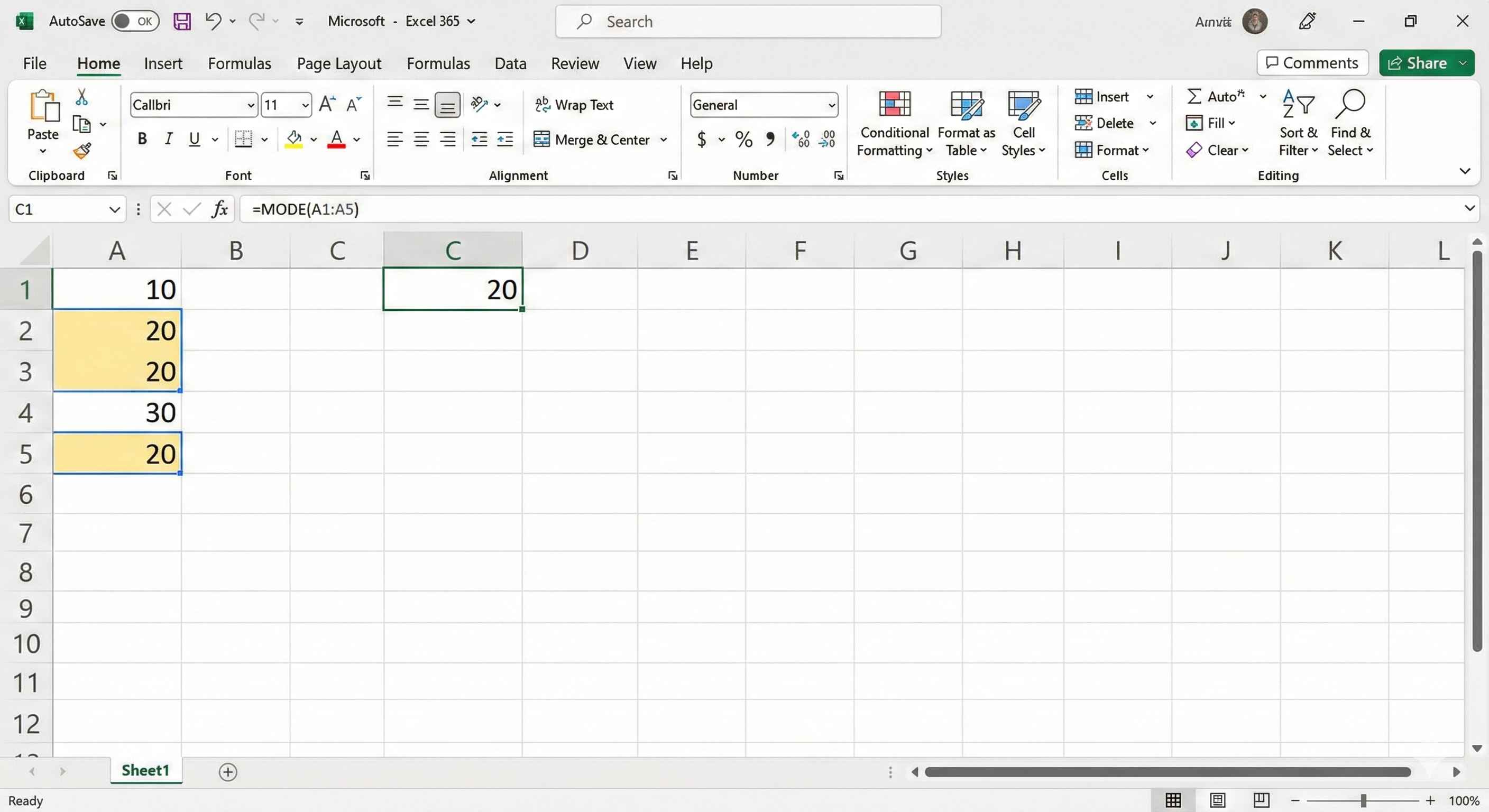
Finds the most repeated number.
=MODE(range) or =MODE.SNGL(range)
| A |
|---|
| 10 |
| 20 |
| 20 |
| 30 |
| 20 |
5 rows
=MODE(A1:A5) → 20
20 appears 3 times (most common)
Quick Comparison
| Function | Finds | Example Result |
|---|---|---|
| MIN | Smallest value | 10 |
| MAX | Largest value | 80 |
| MEDIAN | Middle value | 50 |
| MODE | Most repeated | 20 |
4 rows
Real Life Examples
Lowest price:
=MIN(B2:B100)
Highest score:
=MAX(C2:C50)
Median salary:
=MEDIAN(D2:D200)
Most common age:
=MODE(E2:E100)
Bonus: LARGE & SMALL
Get 2nd, 3rd largest/smallest!
=LARGE(range, n) → nth largest
=SMALL(range, n) → nth smallest
| Formula | Result |
|---|---|
| =LARGE(A1:A5, 1) | 80 (1st largest) |
| =LARGE(A1:A5, 2) | 60 (2nd largest) |
| =SMALL(A1:A5, 1) | 10 (1st smallest) |
| =SMALL(A1:A5, 2) | 20 (2nd smallest) |
4 rows
Summary
- MIN → smallest number
- MAX → largest number
- MEDIAN → middle number
- MODE → most common number
- LARGE/SMALL → nth largest/smallest