Module 8
5 min read
Filter Context
Understand how filters affect DAX calculations
What You'll Learn
- What is filter context
- How filters affect your measures
- How to control filters with CALCULATE
What is Filter Context?
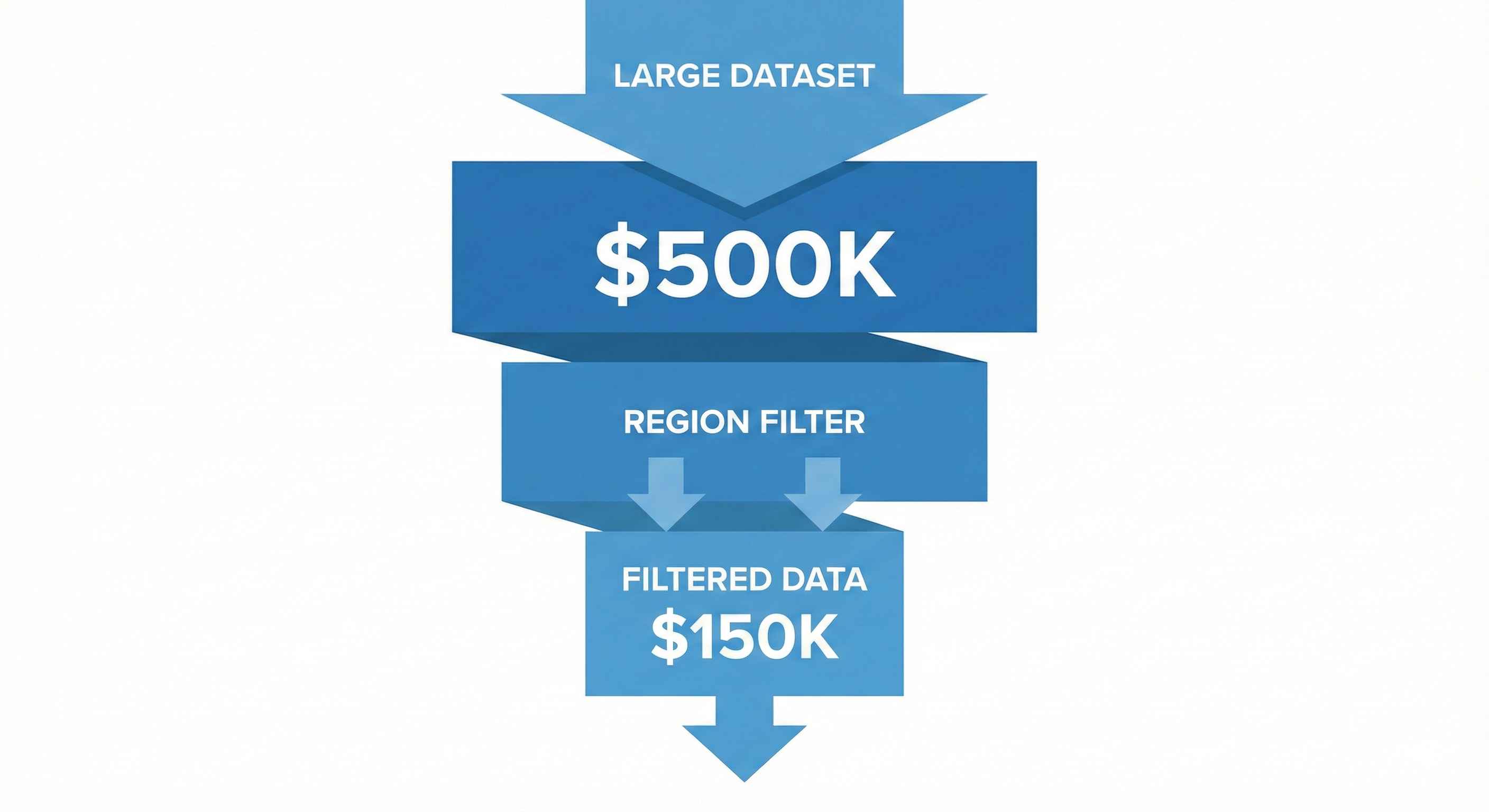
Filter context = what filters are active when a measure calculates.
Example:
Total Sales = SUM(Sales[Amount])
| Active Filter | Result |
|---|---|
| No filter | All sales ($500K) |
| Region = "East" | East sales only ($150K) |
| Year = 2024 | 2024 sales only ($200K) |
| Both filters | East + 2024 ($50K) |
The same measure gives different results based on context!
Where Do Filters Come From?
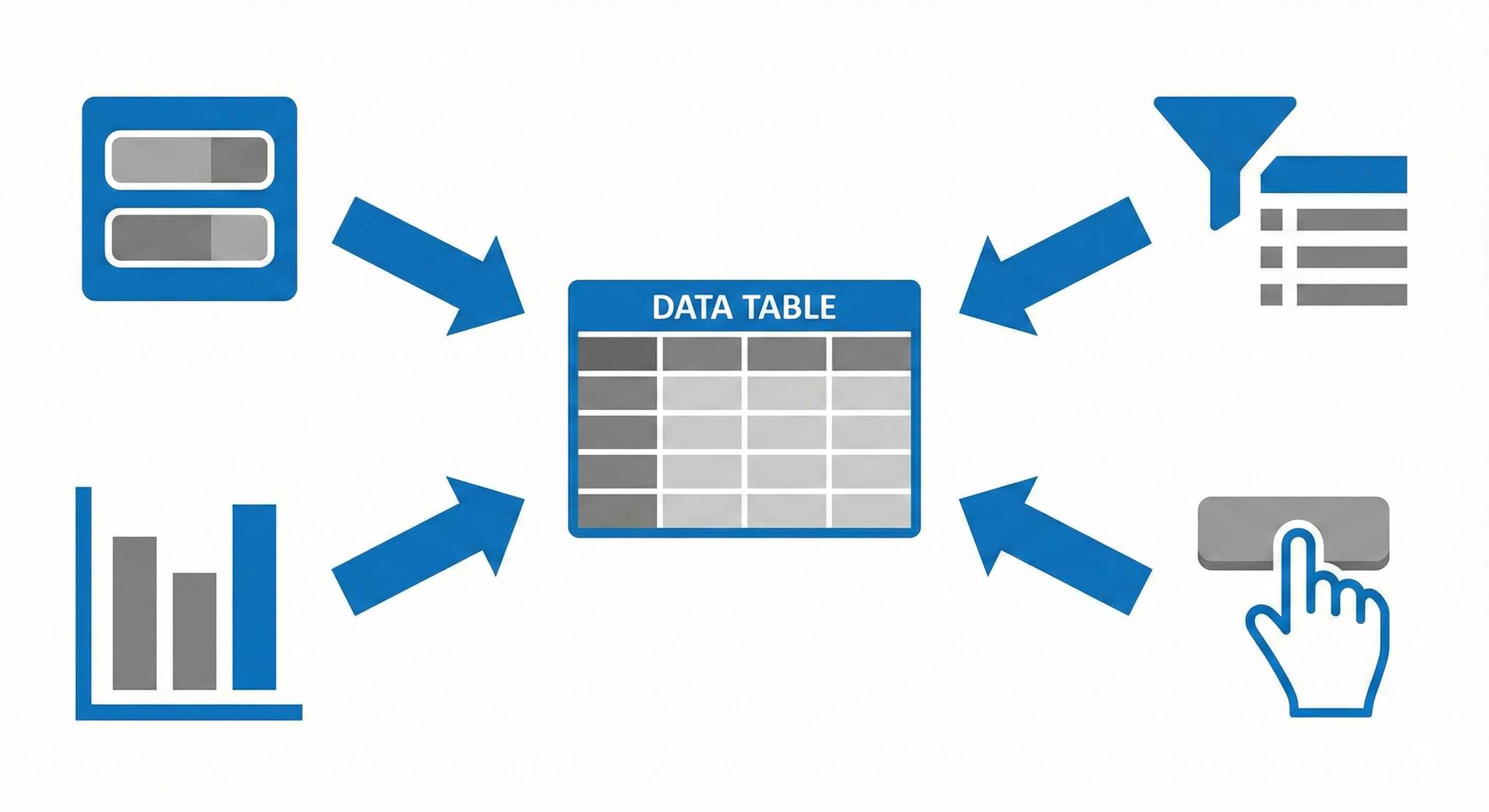
| Source | Example |
|---|---|
| Slicers | User clicks "East" |
| Visual axes | Bar chart shows by Region |
| Filter pane | Page filter: Year = 2024 |
| Cross-filter | Click on another chart |
All filters combine together!
CALCULATE: Control Your Filters
CALCULATE lets you change the filter context.
CALCULATE(expression, filter1, filter2, ...)
Add a Filter
USA Sales = CALCULATE([Total Sales], Country = "USA")
Remove All Filters
Grand Total = CALCULATE([Total Sales], ALL(Sales))
Practical Example: % of Total
% of Total =
DIVIDE(
    [Total Sales],
    CALCULATE([Total Sales], ALL(Sales))
)
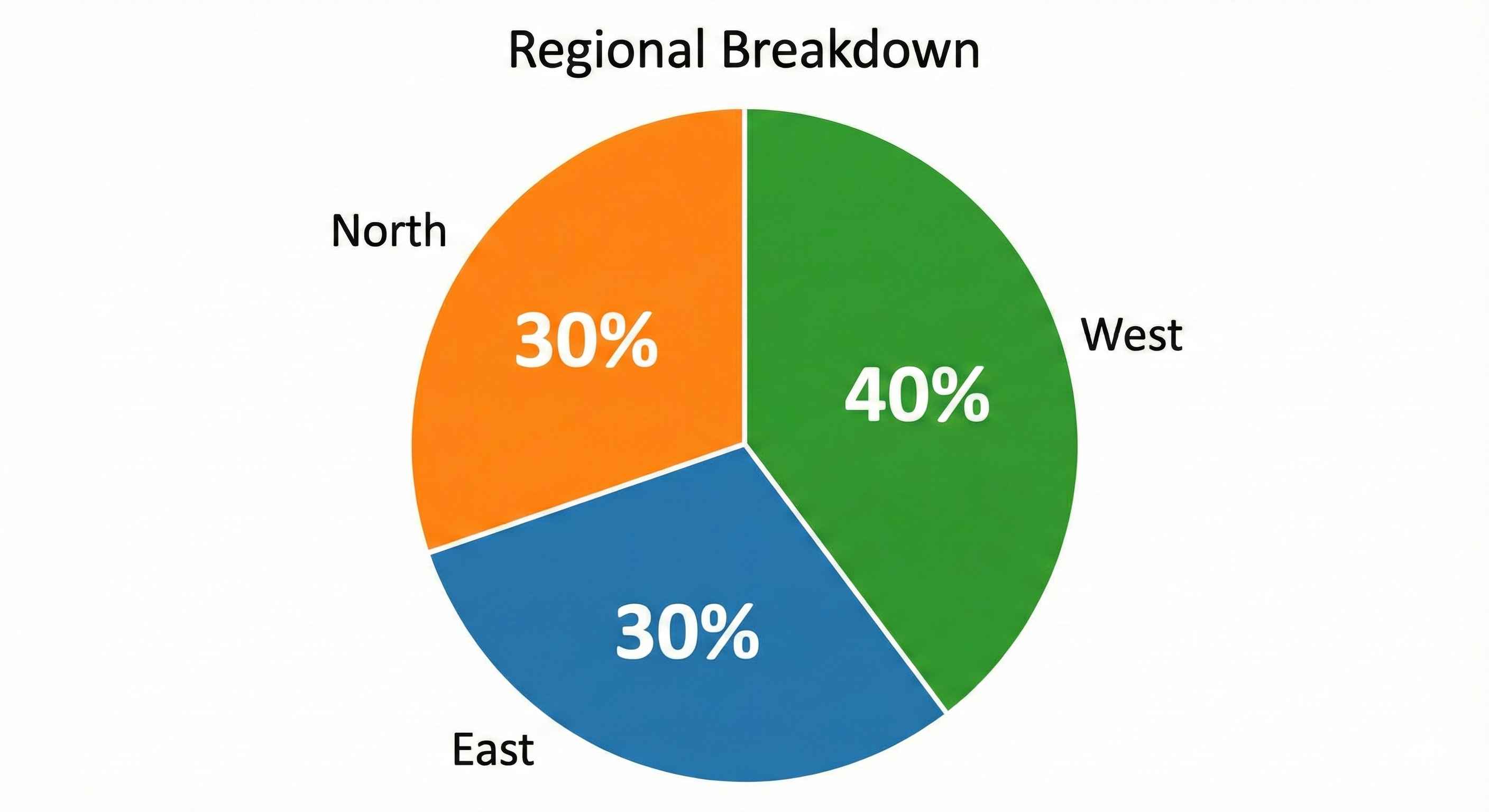
| Region | Sales | % of Total |
|---|---|---|
| East | $150K | 30% |
| West | $200K | 40% |
| North | $150K | 30% |
| Total | $500K | 100% |
Quick Reference
| Need | DAX |
|---|---|
| Add filter | CALCULATE([Measure], Column = "Value") |
| Remove all filters | CALCULATE([Measure], ALL(Table)) |
| Remove one filter | CALCULATE([Measure], ALL(Column)) |
| Keep some filters | ALLEXCEPT(Table, Column) |
Try This
- Create:
Total Sales = SUM(Sales[Amount]) - Create:
Grand Total = CALCULATE([Total Sales], ALL(Sales)) - Create:
% of Total = DIVIDE([Total Sales], [Grand Total]) - Add to a table by Region
- Add a Region slicer and test!
Tip: Understanding filter context = understanding DAX. This is the foundation of everything!